How to Punch In and Out using MyAttendanceManager (MAM)
Summary
This document outlines how to punch in and out using MyAttendanceManager (MAM).
Punching In and Out
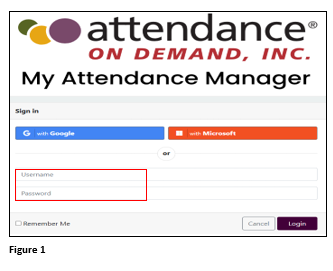
1. Log in to MyAttendanceManager (MAM), using the proper credentials (Figure 1).
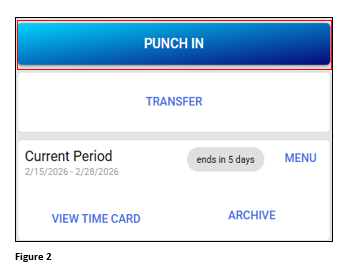
2. From the home page, Click Punch In (this can also be performed on any of the MAM tabs) (Figure 2).
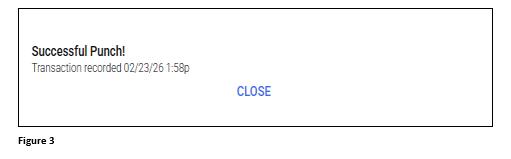
3. The user will see a Successful Punch message (Figure 3).
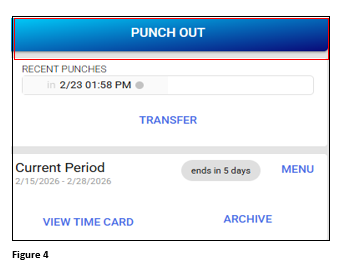
4. To punch out, click the Punch Out button (Figure 4).
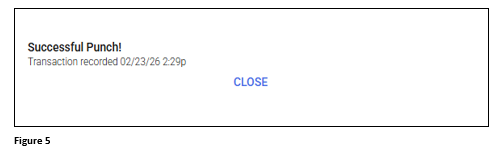
5. The user will see a Successful Punch message (Figure 5).
6. All successful transactions will be added to the timecard.